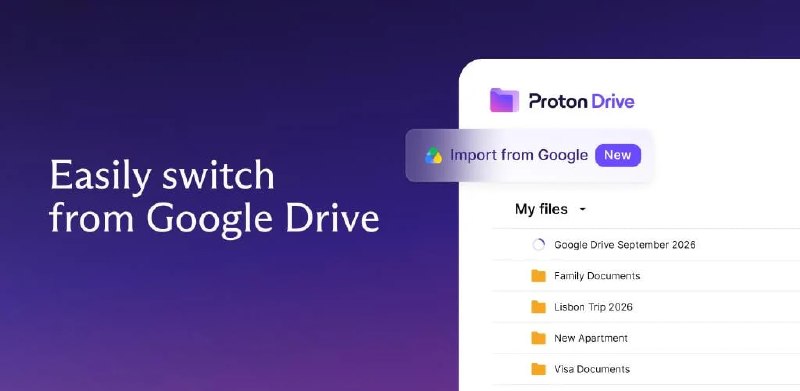
Switching from Google Drive to Proton Drive just got easier
We’ve built Easy Switch for Proton Drive: a way to easily move your files from Google Drive into Proton Drive in just a few clicks.
What it does
Select a Google Drive account and Easy Switch moves your files for you. Your files go straight from Google’s servers to ours, so the import doesn’t depend on how much free space your laptop has. It runs in the background, so you can keep working in Proton Drive and check progress whenever you like from the Drive homepage or from settings.
Once imported, your files are fully E2EE.
Where your files end up
In a new folder in My Files, organised the way you had them in Google Drive. Google Docs, Sheets, and Slides become standard DOCX and XLSX files you can open right away.
How to start an import
Sign in to Proton Drive on the web
Go to Settings → Easy Switch
Connect your Google Drive account
Start the import
If you already use Easy Switch in Proton Mail to bring over your Gmail, it’s the same steps.
This is part of our ongoing work to make switching to Proton Drive more practical.
This is a gradual rollout, so if you don’t see it yet, keep an eye out.
More info in our blog: https://proton.me/blog/introducing-easy-switch-drive
Switching from Google Drive to Proton Drive just got easier We’ve built Easy Switch for Proton Drive

Proton
@proton_privacyThe latest in privacy, security, and Proton: bite-size news, product updates, plus exclusive behind-the-scenes peeks. Stay informed, stay secure. https://proton.me/
19 000 підписників
Відкрити в Telegram